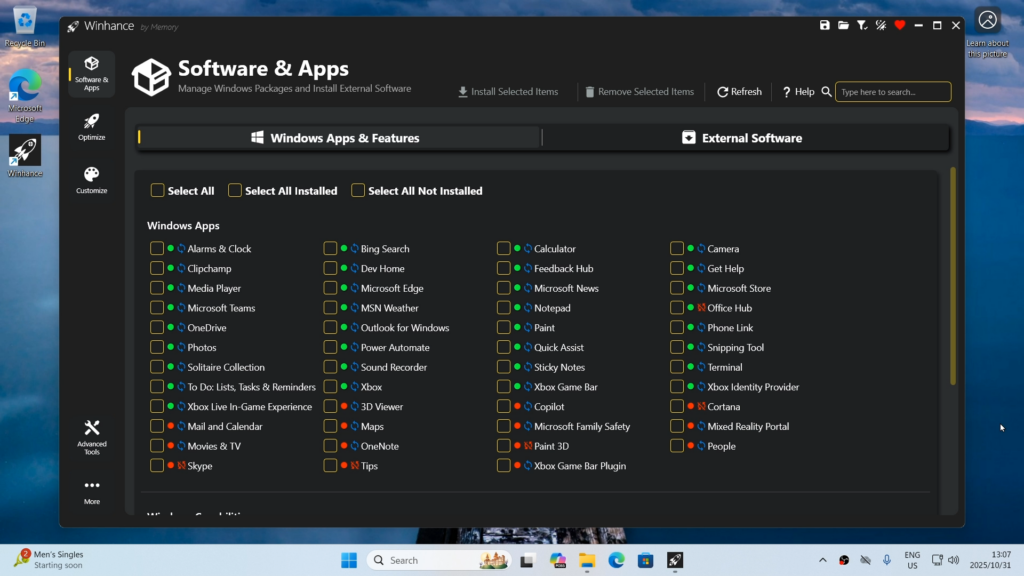
Last year we shared a video from CyberCPU Tech that showed how to remove Windows bloatware by generating an autounattend.xml file before installation. It was a great approach—but today he’s back with an even better solution, one that doesn’t require a full system wipe.
I’ve linked his latest video below, where he gives a thorough and informative walkthrough of Winhance and what it can do.
Winhance is an open-source Windows enhancement utility (written in C#) that helps you debloat, optimize, and customize your Windows 10 or Windows 11 system. It provides a graphical interface for managing Windows apps and features (including removing unwanted built-in software), applying system optimizations (privacy, performance, updates, power settings, etc.), and tweaking visual elements like the theme, taskbar, and Start menu — all aimed at giving you more control over the look and behavior of your PC without needing a fresh OS install.
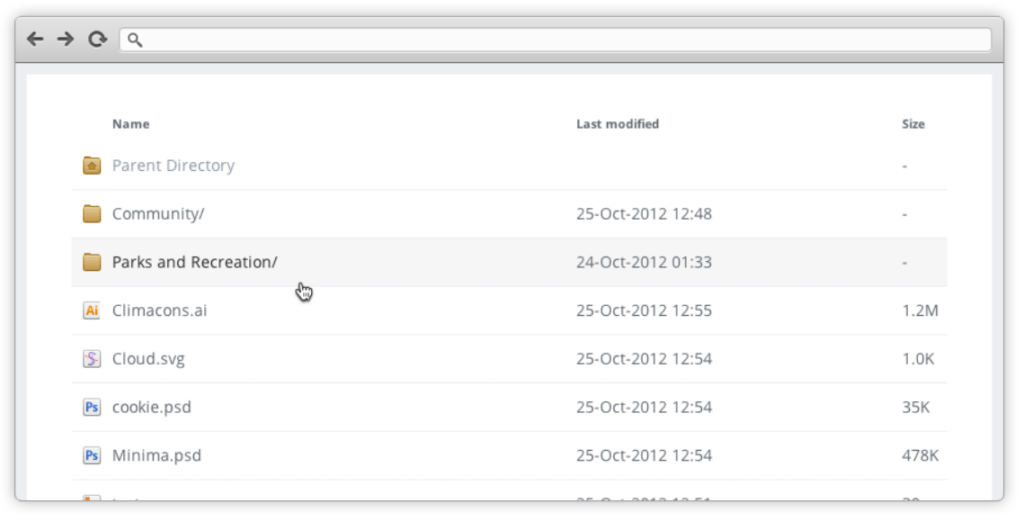
For those who can’t stand the look of an apache default directory look! This has been around for ages and I feel has been forgotten. So we’ll add this one into the Abyss!
If you’re like me, you receive hundreds of spam emails every day. I recently discovered a feature called email sub-addressing, which lets you create unique email variations without setting up multiple inboxes, aliases, or forwarders. This makes it ideal for filtering emails for organization and tracking which sites have leaked/sold your email! While sub-addressing doesn’t work on every website due to differing form validations, it generally works well across most platforms. The main thing to remember is to keep track of the specific sub-address you used when signing up, as you’ll need it later for account access!
To prevent over saturation of at home bandwidth which can cause jitter, I’ve found that limiting the upload/download speed of each node prevents it from consuming the majority of the upload bandwidth. One caveat is that this command needs to be run each time at system startup.
Re-install windows using this tutorial from CyberCPU Tech! His video walks you through the entire process. Removes the annoying right click double menu, onedrive, and all the other useless garbage Microsoft force installs.
*UPDATE* Application no longer opens in Windows 11, seems to be very little support. I have since uninstalled this application and am now using Audio Switcher
Toggle your speakers to headphones with Sound Switch.