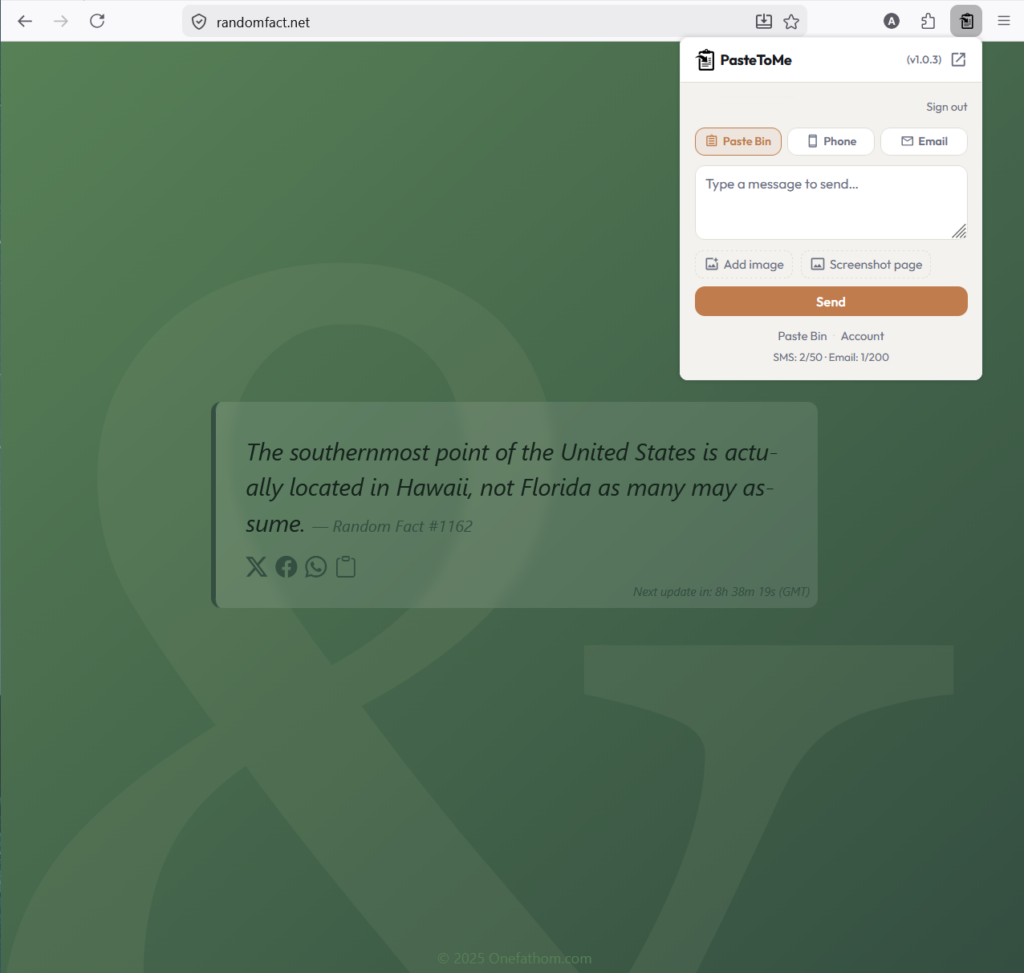
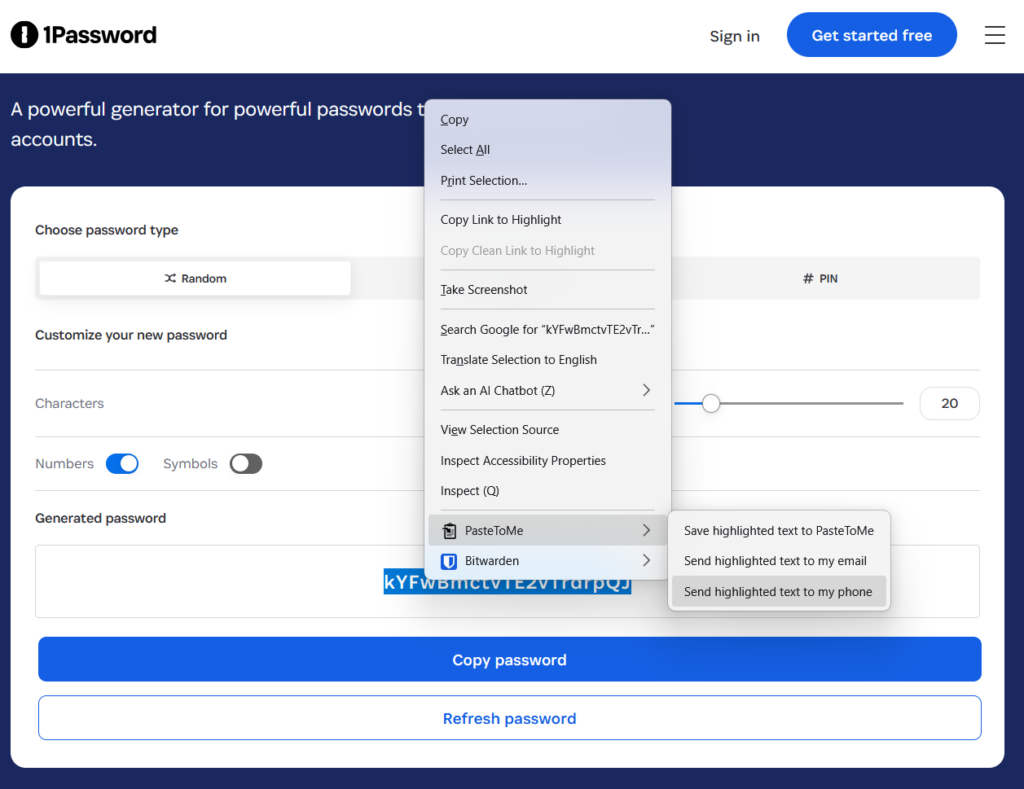
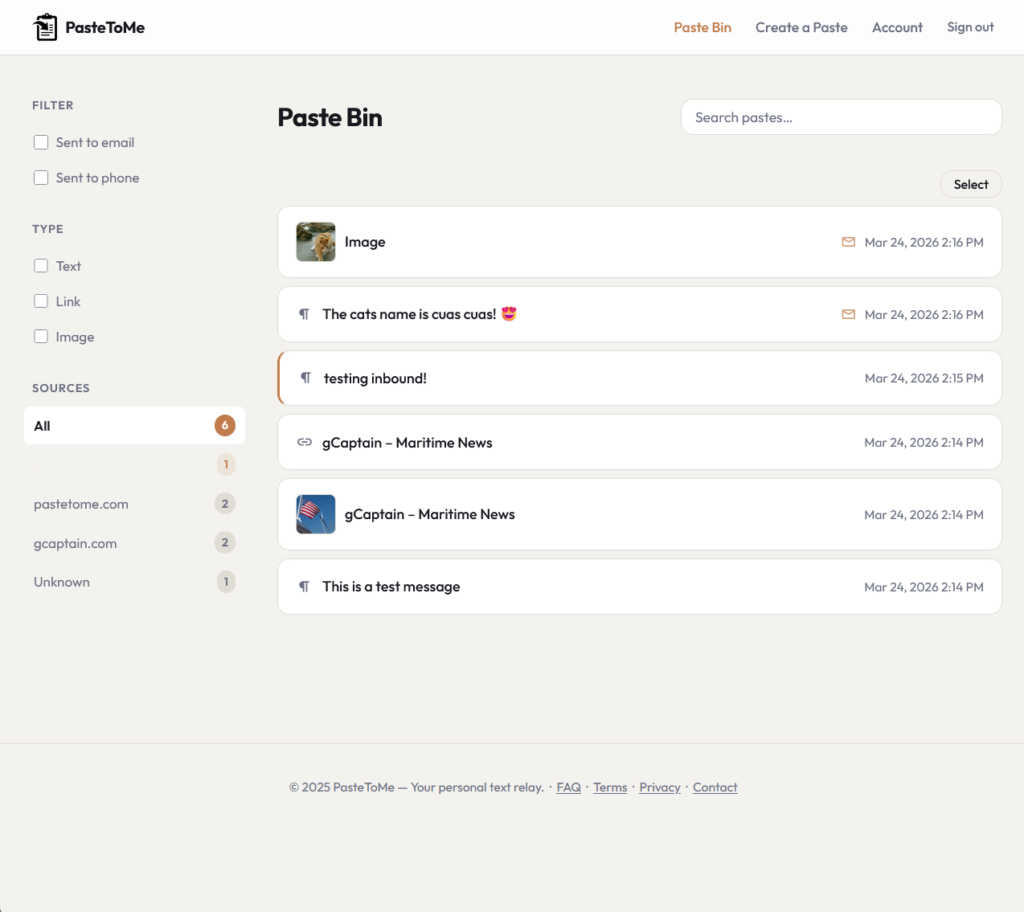
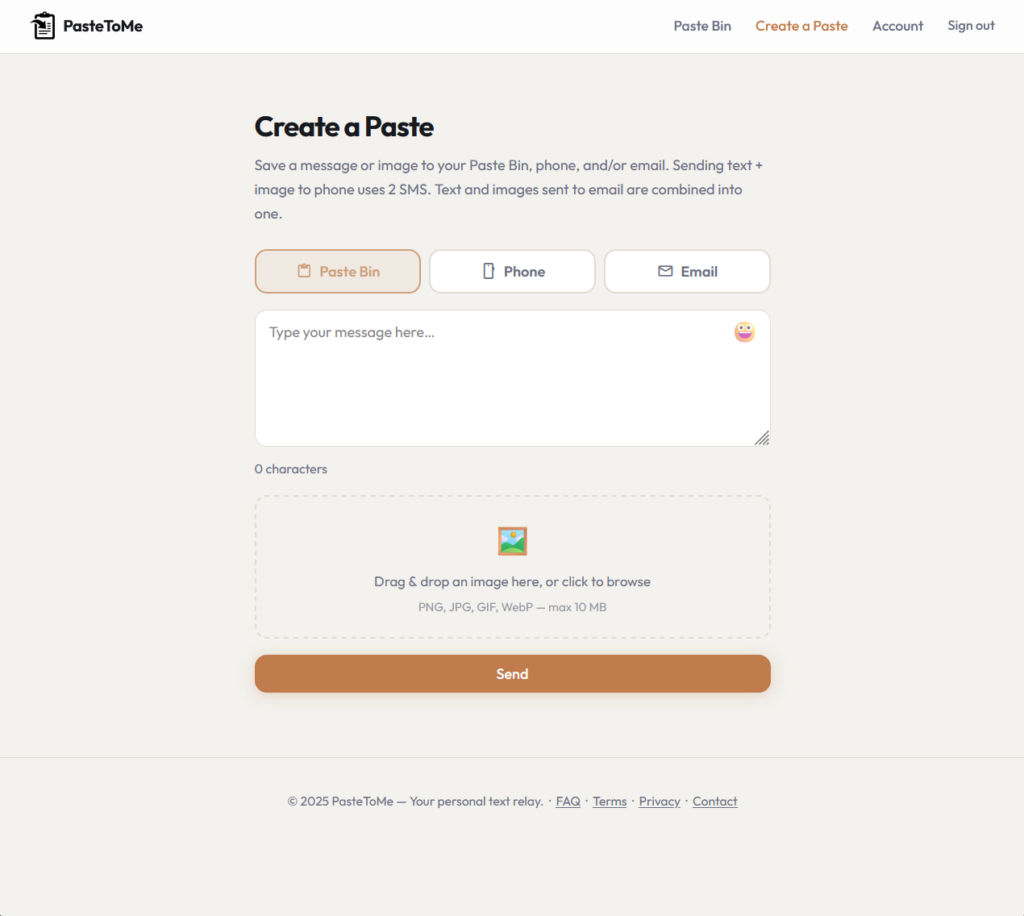
New Mozilla Firefox extension that allows you to send and receive images, text, links, etc from you phone or email. Works great to send passwords or share text/images/links back and forth to/from my phone to computer. The app also takes instant website screenshots that get sent to email or phone in less than 2 seconds! Pretty neat little tool, check them out: www.pastetome.com
If you want to add a little more personal touch to your AI website, use the following skill with your AI and details like font, structure, colors will render much cleaner.
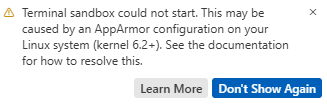
If you’re seeing the following error while editing in Cursor: “Terminal sandbox could not start. This may be caused by an AppArmor configuration on your Linux system (kernel 6.2+). See the documentation for how to resolve this.” Apply the below change to your Ubuntu server.
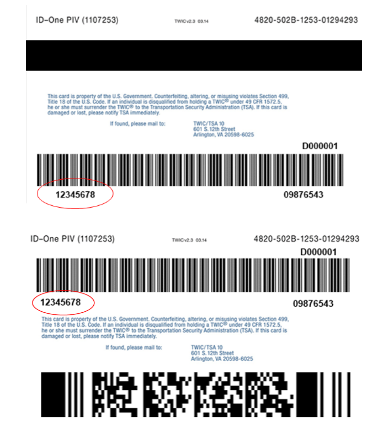
I feel like a lot of people ask this question and no one knows the actual answer. So, to those of you who hold and pay for a TWIC (Transportation Workers Identification Credential) card then this is for you. In order to use your TWIC for TSA Pre-check, you need to enter the first number on the back of your card known as the “CIN” (Credential Identification Number). Photos are below. Your CIN serves as your KTN (Known Traveler Number), so save your TWIC CIN to any frequent flyer profiles, employer booking systems, or online travel websites that you use.
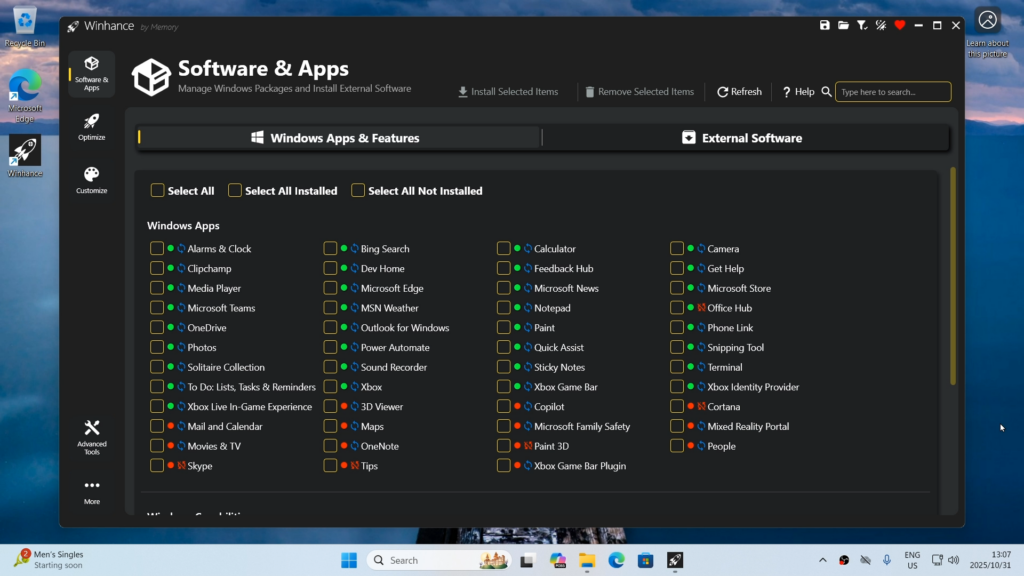
Last year we shared a video from CyberCPU Tech that showed how to remove Windows bloatware by generating an autounattend.xml file before installation. It was a great approach—but today he’s back with an even better solution, one that doesn’t require a full system wipe.
I’ve linked his latest video below, where he gives a thorough and informative walkthrough of Winhance and what it can do.
Winhance is an open-source Windows enhancement utility (written in C#) that helps you debloat, optimize, and customize your Windows 10 or Windows 11 system. It provides a graphical interface for managing Windows apps and features (including removing unwanted built-in software), applying system optimizations (privacy, performance, updates, power settings, etc.), and tweaking visual elements like the theme, taskbar, and Start menu — all aimed at giving you more control over the look and behavior of your PC without needing a fresh OS install.
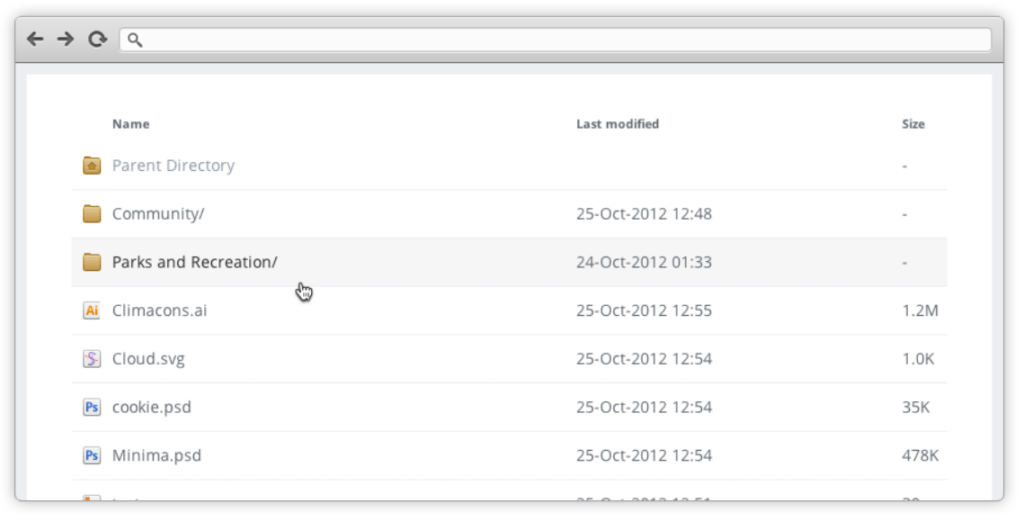
For those who can’t stand the look of an apache default directory look! This has been around for ages and I feel has been forgotten. So we’ll add this one into the Abyss!
If you’re like me, you receive hundreds of spam emails every day. I recently discovered a feature called email sub-addressing, which lets you create unique email variations without setting up multiple inboxes, aliases, or forwarders. This makes it ideal for filtering emails for organization and tracking which sites have leaked/sold your email! While sub-addressing doesn’t work on every website due to differing form validations, it generally works well across most platforms. The main thing to remember is to keep track of the specific sub-address you used when signing up, as you’ll need it later for account access!